Welcome to Simple Downline
Simple Downline helps Young Living Brand Partners stay consistent with follow-up, even when life gets full. It automates the right messages to the right people so nothing falls through the cracks, while still sounding like you.
What you get
- Connection instead of chaos. Meaningful follow-up that feels personal, not messy.
- Confidence instead of confusion. Know who needs what message and when, without spreadsheets.
- Simplicity without losing authenticity. Use your own voice while the system does the busy work.
How it works in 3 steps
- Connect your Young Living account. Your customers and team sync over automatically, no spreadsheet to upload.
- Your contacts get organized. Simple Downline groups them into meaningful segments like New Customers, Inactive Customers, and Loyalty Members.
- Turn on automated campaigns. Pre-written sequences nurture, support, and grow relationships in the background.
What setup looks like
The first time you open the app, you'll go through a short setup:
- Sign in by connecting your Young Living account.
- Confirm your contact and registration info for texting.
- Set your filters to choose which parts of your downline you message.
- Choose a Welcome starting message: New Introduction or Existing Team.
- Subscribe to a plan (or confirm one you already bought on the website).
- Get your texting number and complete the remaining setup steps.
The last setup screen has a Review Welcome Text button. Welcome is created with its switch off, so it will not send just because you finished setup. Review the message in Campaigns and turn it on when you are ready and your texting number is approved. On newer accounts, you will find Welcome on the Smart tab while it needs review. On accounts using the earlier setup, it appears under Custom.
Where to find things
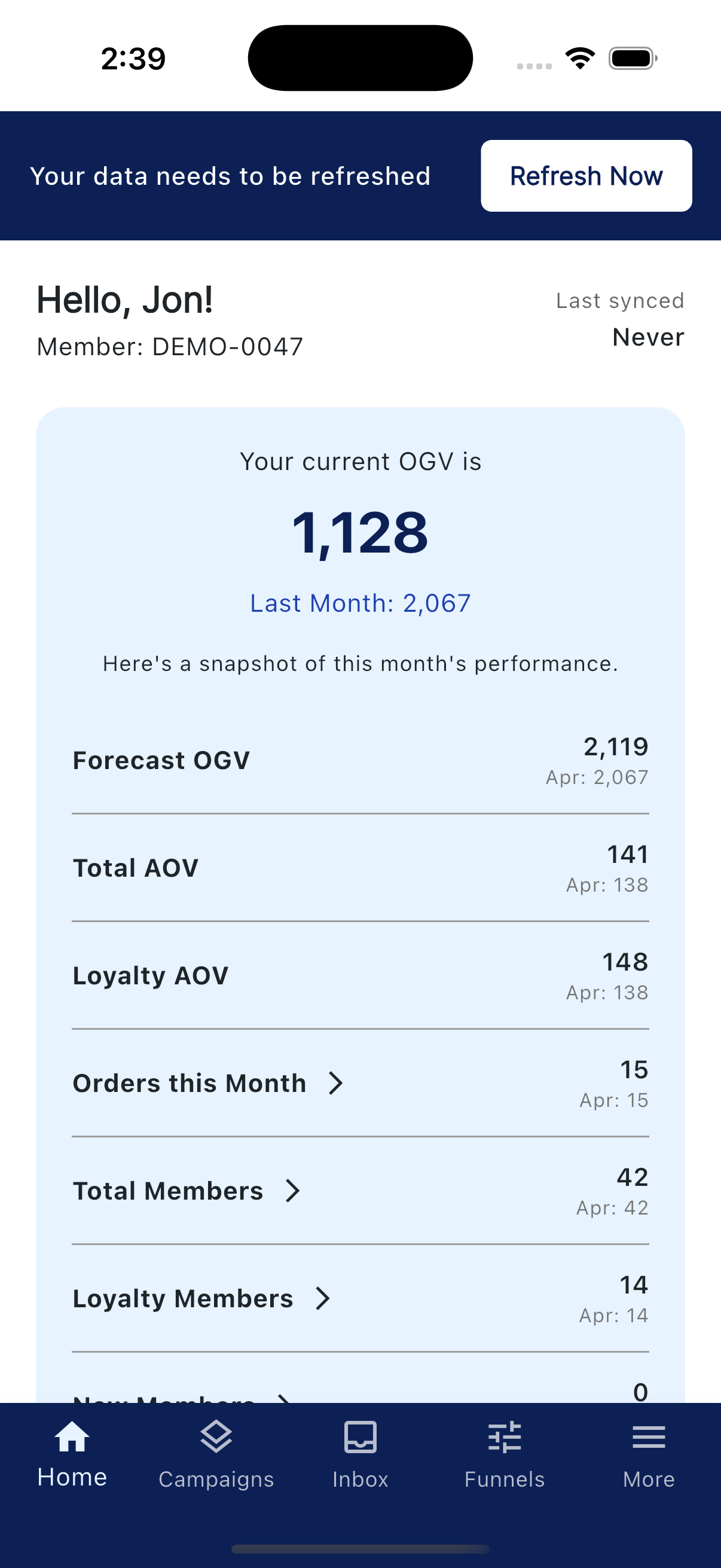
On mobile, five tabs run across the bottom: Home, Campaigns, Inbox, Funnels, and More.
- Home. Your dashboard, quick stats, and shortcuts.
- Campaigns. Smart, Drip, and Custom campaigns.
- Inbox. Every text and email reply, all in one place.
- Funnels. Public landing pages that capture leads.
- More. Opens a drawer with Contacts, Groups, Saved Replies, Sends, Filters, My Account, and Support.
On the web app, the same destinations live in the left sidebar, plus Tags for managing your contact tags directly.