Connecting your Young Living account
You sign into Simple Downline by connecting your Young Living account. There's no separate Simple Downline username or password.
How to sign in
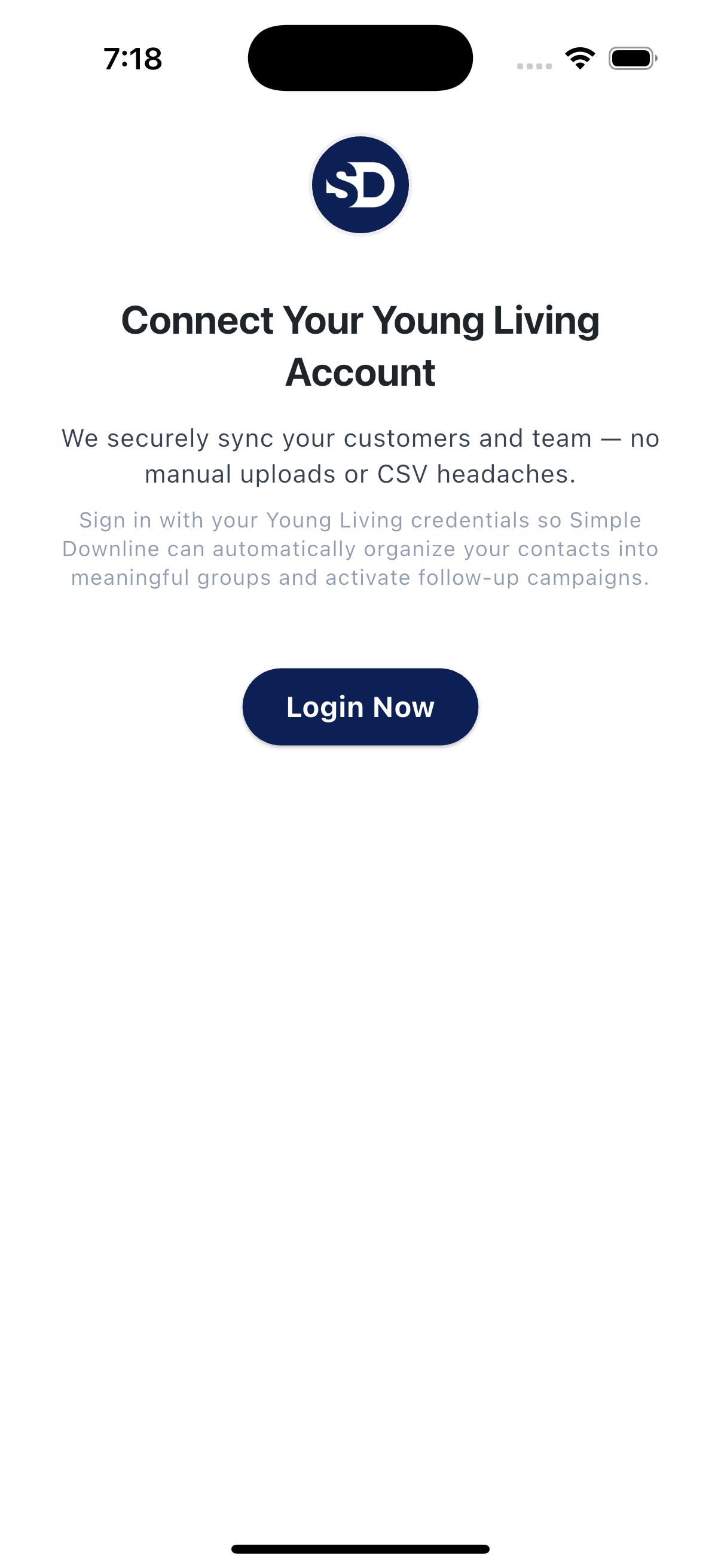
Tap Get Started, then Login Now on the Connect Your Young Living Account screen. Young Living's sign-in opens in the app. Enter the email address, member number, or username you use with Young Living and tap Continue. Follow Young Living's next prompts for your password and any verification it requests. The exact sign-in screens may vary.
After sign-in succeeds, the app takes you through the remaining setup steps. Signing in connects your account; it does not send a campaign. You can review campaigns and their settings before they send.
What comes in
Your Young Living downline data syncs into Contacts. The details available for each person depend on what Young Living provides and your account's sync status. You can add other contacts separately.
If sign-in doesn't work
- Sign-in details rejected. Double-check the Young Living identifier and password you normally use.
- The Young Living window seems stuck. Close it and try again. A fresh attempt usually works.
- You signed in but don't see contacts yet. Check the sync status and try again after the first import finishes. Larger downlines may take longer.
If something's still off, send us a note and we'll help.