Subscribing to a plan
Choosing your plan is one of the last steps in setup, right after your welcome message and just before you pick your phone number. It's part of one continuous sequence now, not a separate section. A plan has to be in place before we can register a phone number for you with the carriers.
Picking a plan
The Select Plan screen shows the currently published plans. The app may preselect a recommended tier based on estimated messaging credits needed; review the price and monthly text and email allowance before confirming. To compare or change plans later, open More → My Account → Manage → Change Plan.
When the right plan is selected, tap Confirm Plan.
Checkout
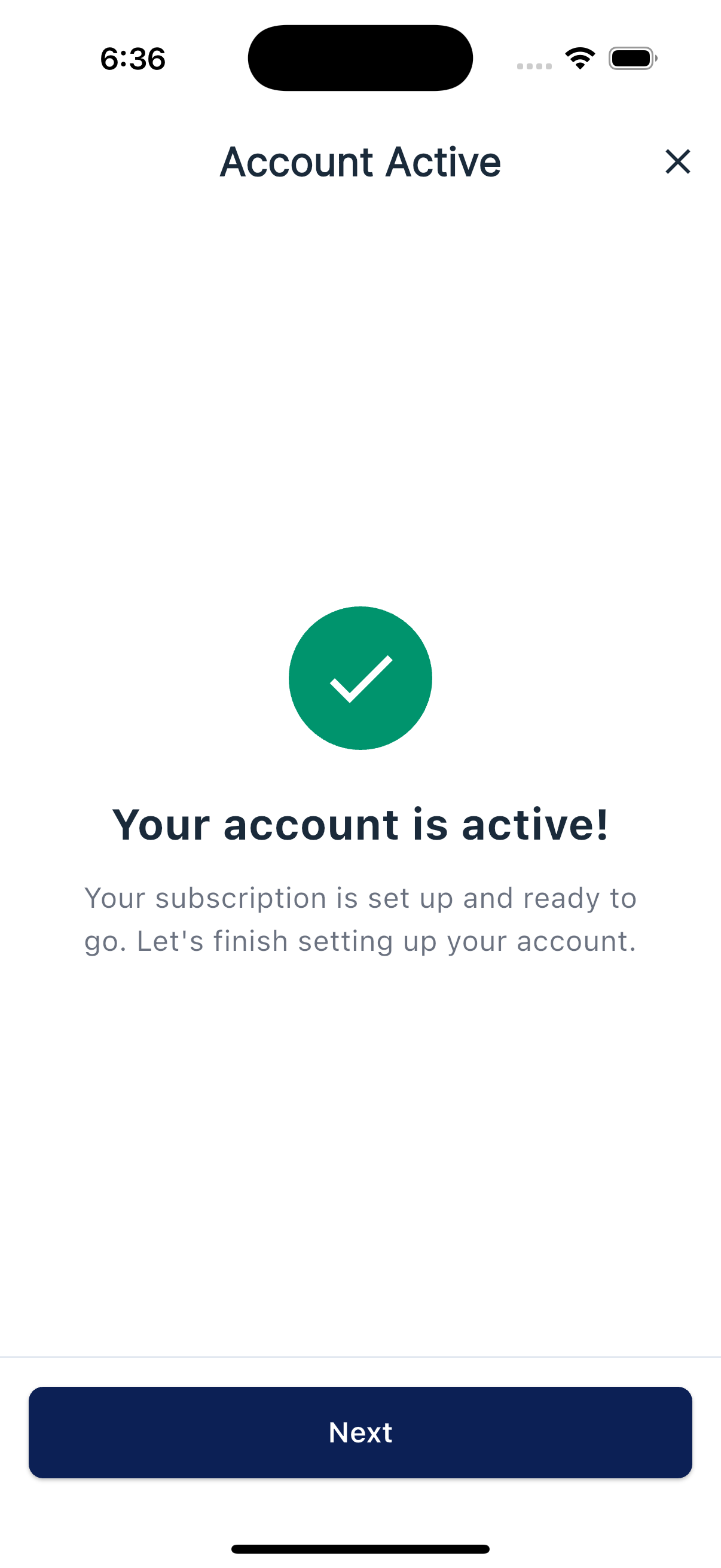
If you do not already have a Simple Downline subscription, tapping Confirm Plan opens a secure payment step. Once payment succeeds, you'll see a quick "Account Active" screen and then move on to choosing your phone number.
If you already paid on the website
If you already paid on simpledownline.com, you may still see Select Plan during setup. Choosing the same plan and tapping Confirm Plan continues to the phone-number step without creating another subscription charge.
Choosing a different plan changes your existing subscription and may create a prorated charge or credit for the rest of the billing period. Review the amount shown before confirming. If no payment step appears and you reach Choose Phone Number, check My Account for your current plan before trying again.
What happens next
The next step is choosing your sending phone number, which kicks off SMS registration with the carriers.