Sharing your contact card
You can text your own contact card so the person on the other end can save you to their phone in one tap. The card carries your name, your email, and your Simple Downline sending number, so when they save it your texts show up under your name instead of an unknown number - and their replies come right back into your Inbox.
Sending your card from a conversation
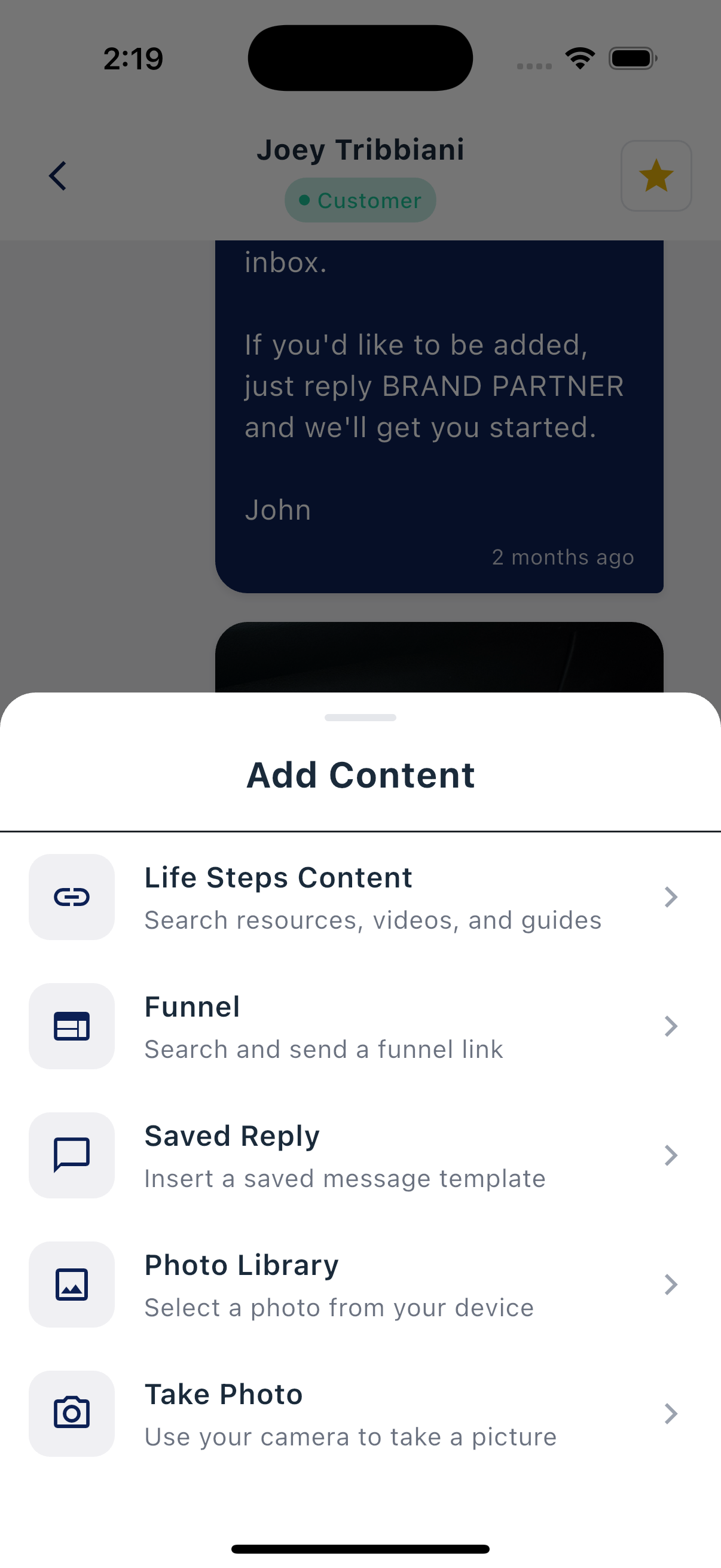
- Open any conversation in the Inbox.
- Tap the + button next to the message bar to open the Add Content sheet.
- Choose My Contact Card ("Attach your contact info to save").
- Send the message. The card goes out as an attachment the recipient can tap to save.
A message with a contact card attached sends as MMS. It uses at least 2 text credits; a longer message body may use more. See Plans and credits for segment guidance.
Attaching your card to a campaign message
You can also attach your card to a campaign text: when editing a message, open the image picker and choose My Contact Card instead of a photo. It's a great fit for a welcome message, so new contacts can save you right away.
What the recipient sees
The card arrives as a standard contact attachment. Tapping it opens their phone's contact screen with your name, number, and email filled in, and a button to save you to their contacts.